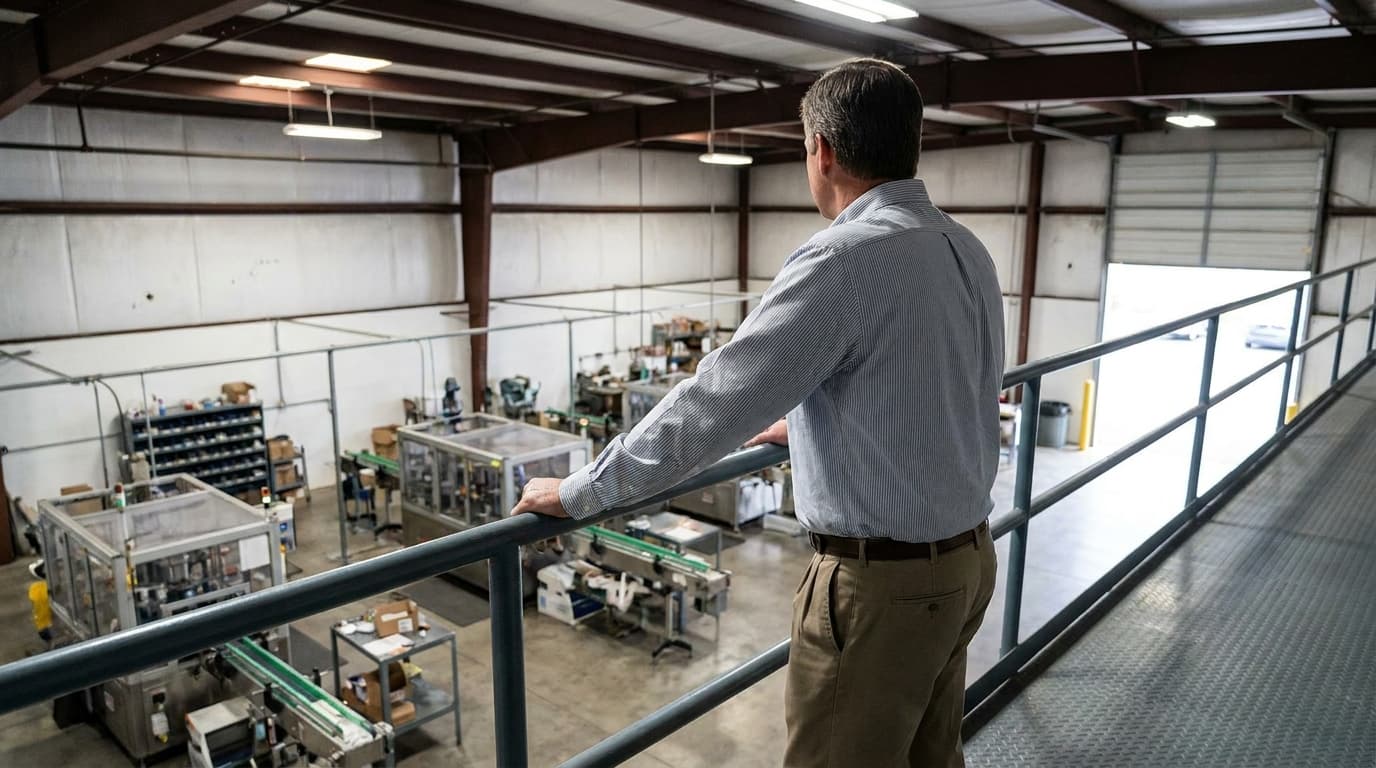
Tracking OEE in Excel: When It Works, and When It Quietly Falls Apart
Every OEE journey starts with a spreadsheet, and that's fine — ours did too. The trouble isn't that Excel is bad. It's that the moment it starts failing is almost impossible to see from inside.
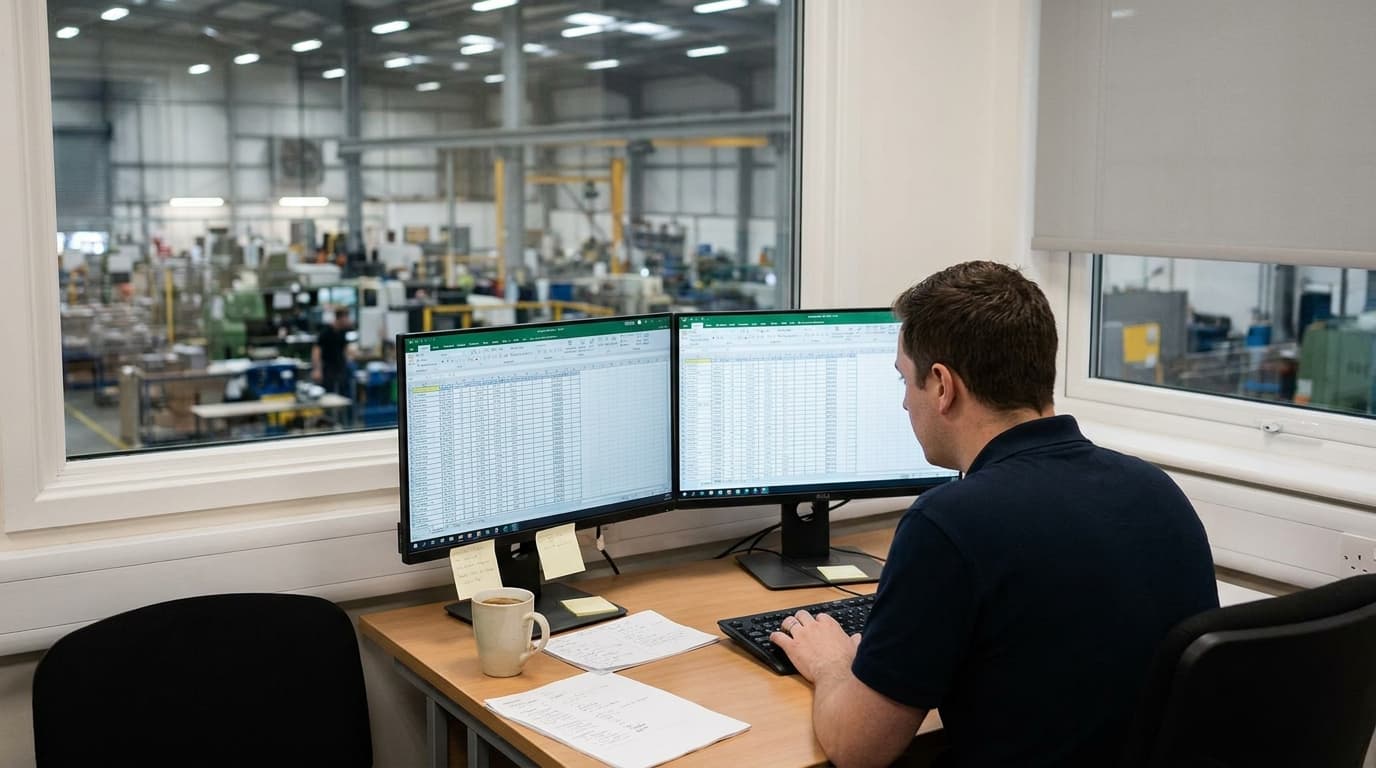
Let's start with the unfashionable truth: the OEE spreadsheet is a perfectly good idea. Nearly every plant that measures anything started with one — a supervisor, a template, a daily ritual of typing in counts and stops. If you're at that stage now, keep going. A spreadsheet maintained honestly beats software used grudgingly, and the discipline of daily entry teaches a plant what its numbers mean better than any dashboard.
The trouble with the OEE spreadsheet isn't the beginning. It's that it fails gradually, in ways that are invisible from inside, and plants routinely stay two years past the point where it started costing more than it saved. Here's the honest lifecycle — and the signs you've crossed the line.
Why Excel wins early
For one line and one motivated owner, the spreadsheet is genuinely hard to beat. It costs nothing, everyone can open it, and it bends to your exact conventions — your changeover rules, your planned-time exclusions — without a vendor conversation. Most importantly, building it forces the thinking: whoever makes the template has to decide what counts as planned time and which reasons matter. That decision-making is the real product; the .xlsx is a receipt.
If OEE is new to your plant, we'd actively recommend this phase. Run one line for a month or two on a sheet. You'll learn what you actually need before you evaluate anything.
The four failure modes
1. The data arrives pre-rotted. The sheet gets filled at end of shift, from memory or from paper scraps. Which means every entry is a reconstruction — round durations, generic reasons, the micro-stops entirely absent. The calculations are correct; the inputs are fiction. This isn't an Excel flaw exactly, but Excel locks it in: a spreadsheet can't sit at the machine and capture a stop in five seconds while it's happening, and everything downstream inherits that gap. (The mechanics are the same ones covered in why operators stop logging downtime.)
2. It becomes one person. Every plant spreadsheet evolves toward a single owner who understands the formulas, the hidden columns, and the tab from 2024 that everything references. When they're on leave, entry stops. When they change jobs, the plant's measurement system leaves in their notice period. We've seen plants discover, mid-handover, that nobody remaining could say how the changeover minutes were being treated — which meant nobody could say what the last year of numbers meant.
3. Versions multiply, trust divides. Line 2's sheet drifts from line 5's. Someone "fixes" the Performance formula in March, so H1 and H2 quietly disagree. A copy circulates with a filter left on. None of this announces itself — it surfaces months later as two managers in a meeting holding different numbers for the same week, and the meeting becomes about the numbers instead of the losses. The moment your data needs *reconciliation*, the tool has failed at its one job: being believed.
4. Analysis hits a ceiling. The sheet produces this week's OEE. Fine. Now: top ten stop reasons by frequency across three months, changeover duration trend by product, whether the feeder rebuild actually moved the number. Each is an afternoon of pivot-table archaeology instead of a click — which means they mostly don't happen. The spreadsheet can *store* the answers; the point of an OEE system is *asking* those questions routinely, and Excel prices every question at an afternoon.
Reading the signs honestly
The test isn't "is the spreadsheet working" — it always looks like it's working. Better questions: Are decisions being made from it, or does it exist for the monthly report? Could someone other than its owner produce the numbers this week? Do two people ever show up with different versions of the truth? Has anyone asked a question of the data lately and given up because it was too much effort?
Two or more bad answers and you're past the crossover point — paying spreadsheet prices for software problems.
What switching actually buys
Not the calculations; the formula was never the hard part. What purpose-built tracking changes is *where and when the data is born* — at the machine, during the stop, in seconds — and what questions become free afterwards. Capture stops being a nightly reconstruction; analysis stops being an afternoon project; the shared number stops needing reconciliation.
The spreadsheet was the right first tool. The skill it taught — measuring honestly, arguing about reasons, watching trends — transfers whole. The graduation isn't an admission the sheet failed. It's the sheet having done its job: making the plant ready to want more.